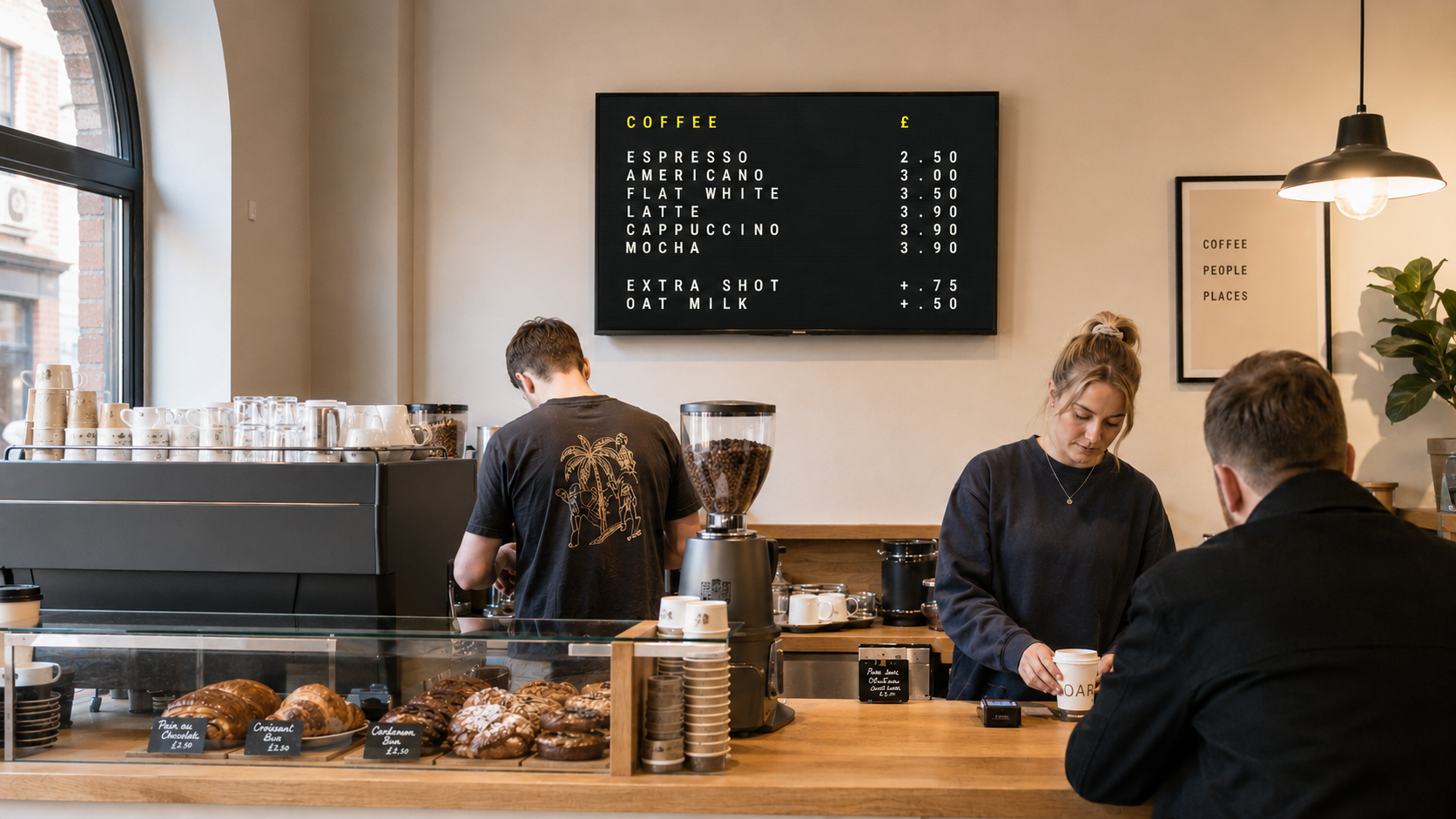
COFFEE · FOOD
Cafés & restaurants
Show coffee, food and daily specials on a menu customers can read from across the room.
Menus on the wall, sorted from the counter.
Create your menu in a browser, install the Fire TV pairing App and keep it current without printing a thing.
FREE TO USE · AVAILABLE NOW ON AMAZON
For your venue
Show coffee, food and daily specials on a menu customers can read from across the room.
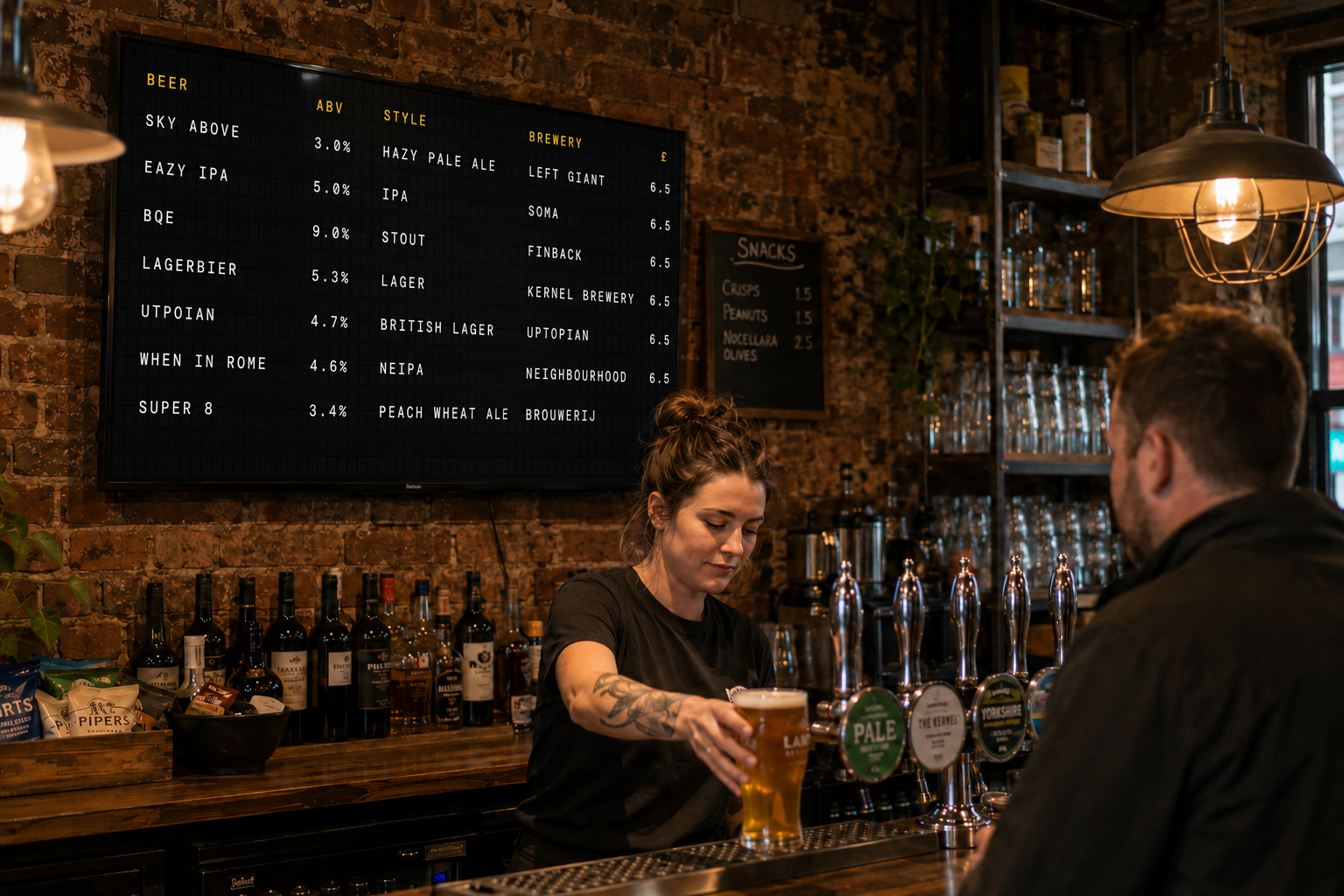
Keep drinks, prices, tasting notes and the current tap list together, then update them without reprinting the menu.
Menu designs
Start with a classic coffee-shop letter board or split-flap cells made for a busy bar menu.


More designs coming soon. Have a style in mind?
Request a designInstallation
Use the pairing app for the quickest setup, or reuse hardware you already own with a browser.
Available now Guided setup
Install the free app from Amazon and connect the television without typing your account password with the remote.
Open the Amazon listing and install lettermenu on a compatible device.
Sign in to lettermenu on your phone or computer and enter the five characters shown on the TV.
K7F2QSelect the venue to display. Its menu opens automatically and stays connected.
Amazon Fire TV streaming devices and smart televisions running Fire OS 6 or later, including:
RecommendedFire TV Stick 4K Plus
Not compatible: Fire OS 5 devices, tablets, phones, touchscreen-only Android devices, or Vega OS devices including the Fire TV Stick HD (2026) and Fire TV Stick 4K Select (2025).
DIY setup
Every location has a public screen URL. Open it in a modern browser on a device connected to the TV—there is nothing else to install.
letter.menu/screen/your-cafe
Plug it into the TV with HDMI and connect it to the internet.
Copy the address from your lettermenu account and open it in a modern browser.
Hide the browser controls and leave the display running. Saved menu changes arrive automatically.
For an unattended screen: disable sleep, open the browser at startup and keep the device connected to power. The screen link is public, so only share it with people who need it.
Setup
Create the menu online, then connect it to the TV in your venue.
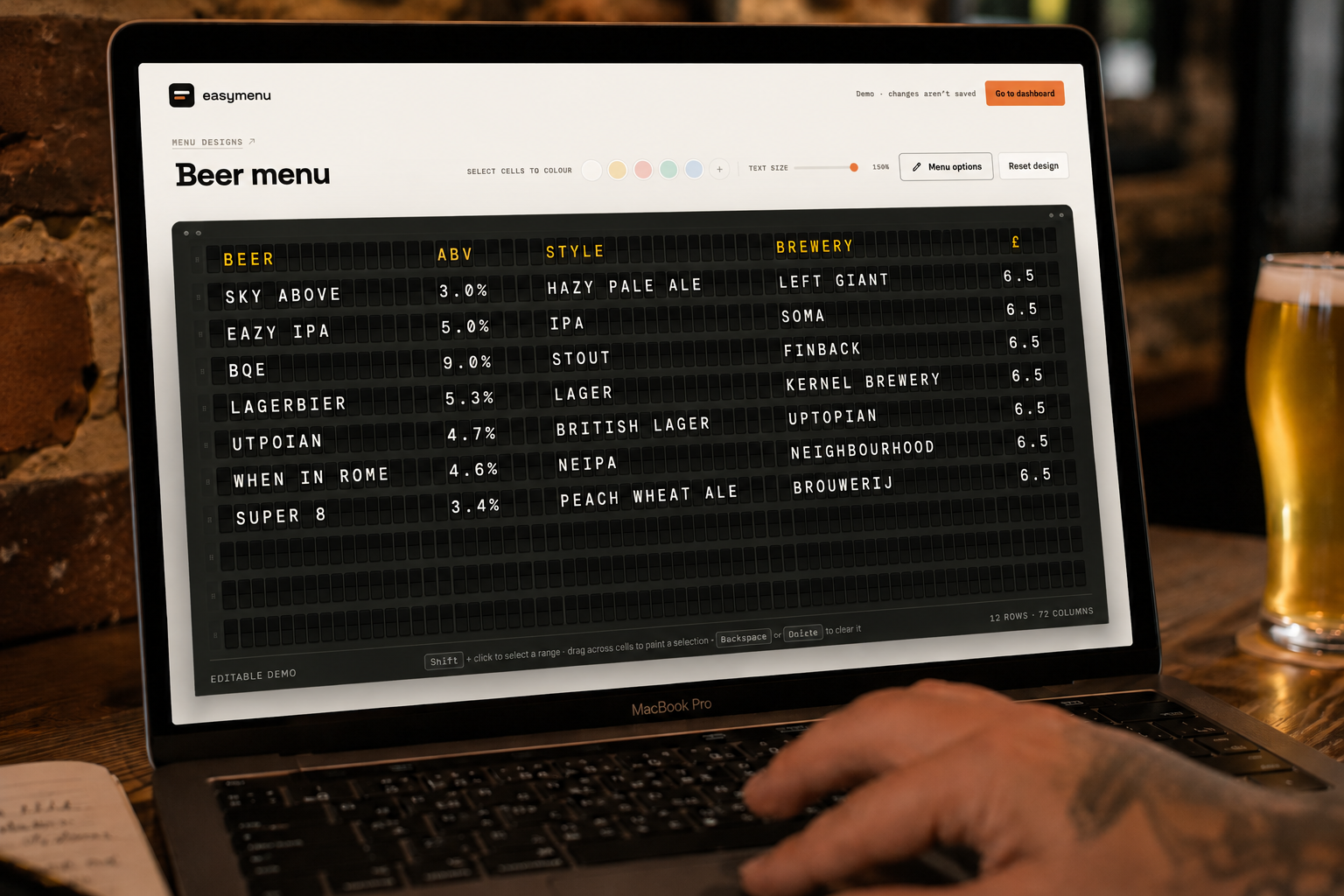
Type your items, arrange the rows and set the colours in your browser.
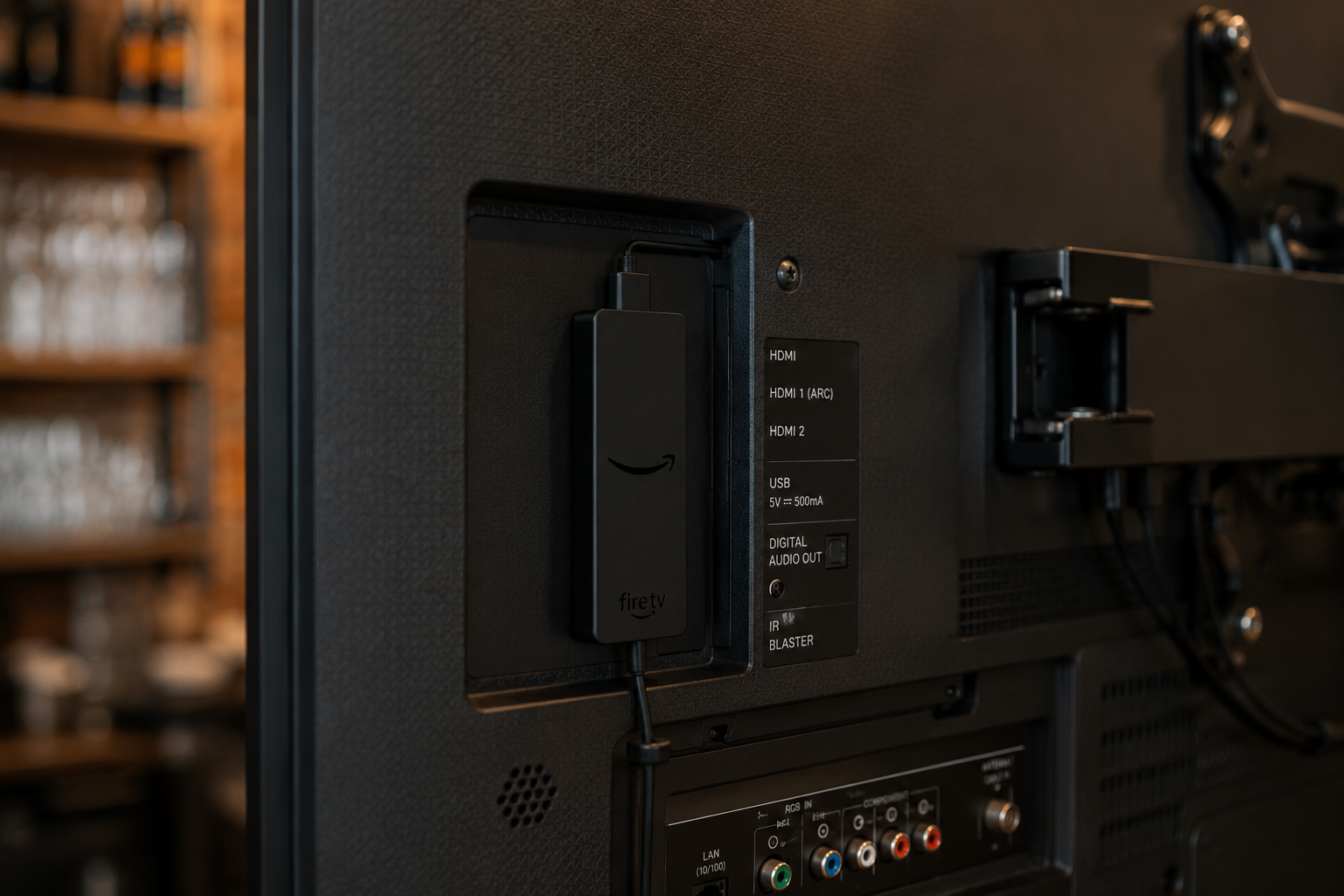
Get the Fire TV pairing App from Amazon.
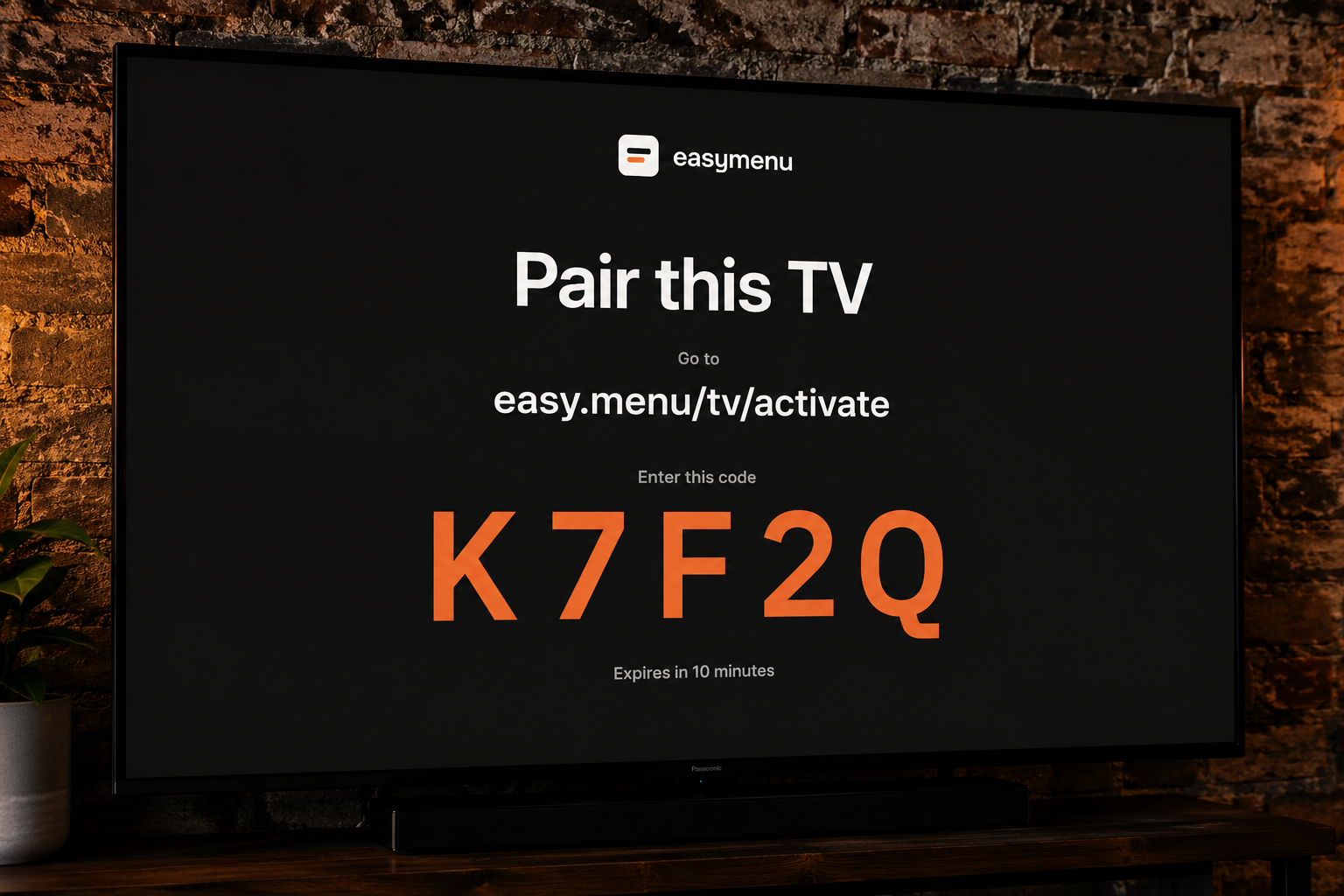
Enter the five-character code in your account, then choose which venue this television should show.
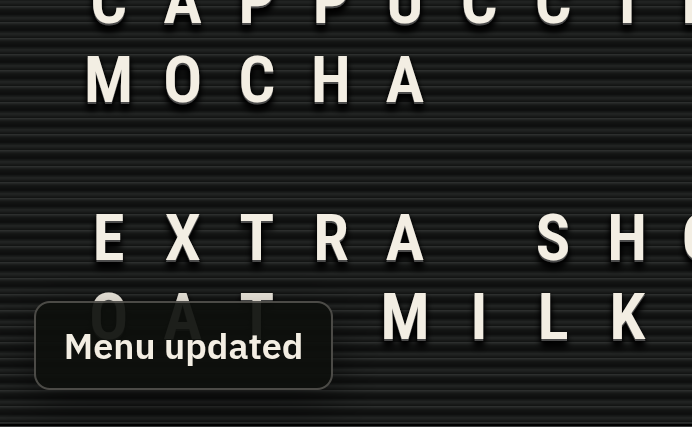
Edit and save online whenever the menu changes. The TV checks for updates automatically.
Good to know
The practical details about screens, setup and keeping your menu live.
lettermenu is a simple way to create a digital menu online and show it on a TV in your venue. When something changes, update it from your browser instead of printing a new menu.
It is built for cafés, restaurants, bars, breweries and taprooms that need a clear menu customers can read from across the room.
You need a TV and an internet connection. For the simplest setup, install the free Fire TV pairing App on a compatible Fire TV device. Or connect a laptop, desktop computer, Raspberry Pi or small PC to the TV and open your public screen URL in a modern browser.
No. The Fire TV pairing App is the quickest way to get set up, but it is optional. You can reuse a device you already own by connecting it to the TV and opening your public screen URL in a modern browser.
Yes. You can create a separate screen for each venue and show several menus in a rotating playlist.
Changes are published when you save and pushed to connected TVs immediately.
A menu that has already loaded stays on screen if a refresh fails. The TV needs to reconnect before it can receive later changes.
No. Each venue has a public screen link so the TV can open it without signing in. Only share that link with people who need it.
More questions? Email support at [email protected]
Start with one menu